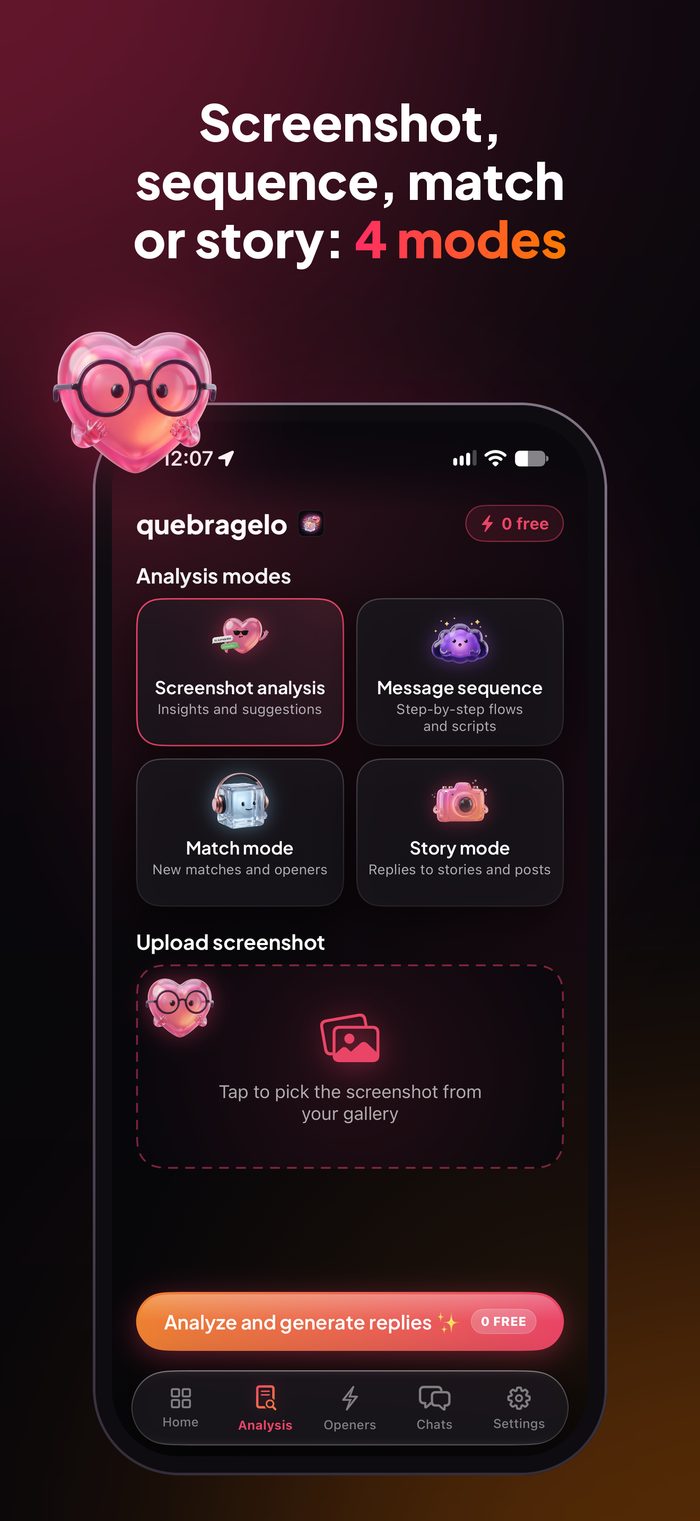
4 modes
Screenshot, sequence, match or story
Analyze a chat screenshot, build a sequence of messages to send one by one, write openers from a match's bio or reply to a story.
Stuck in a chat or got a dry reply? LetsWoo reads your WhatsApp, Instagram or Tinder screenshot, gets the vibe and suggests replies in the tone you pick.
3 free analyses a day, no sign-up.


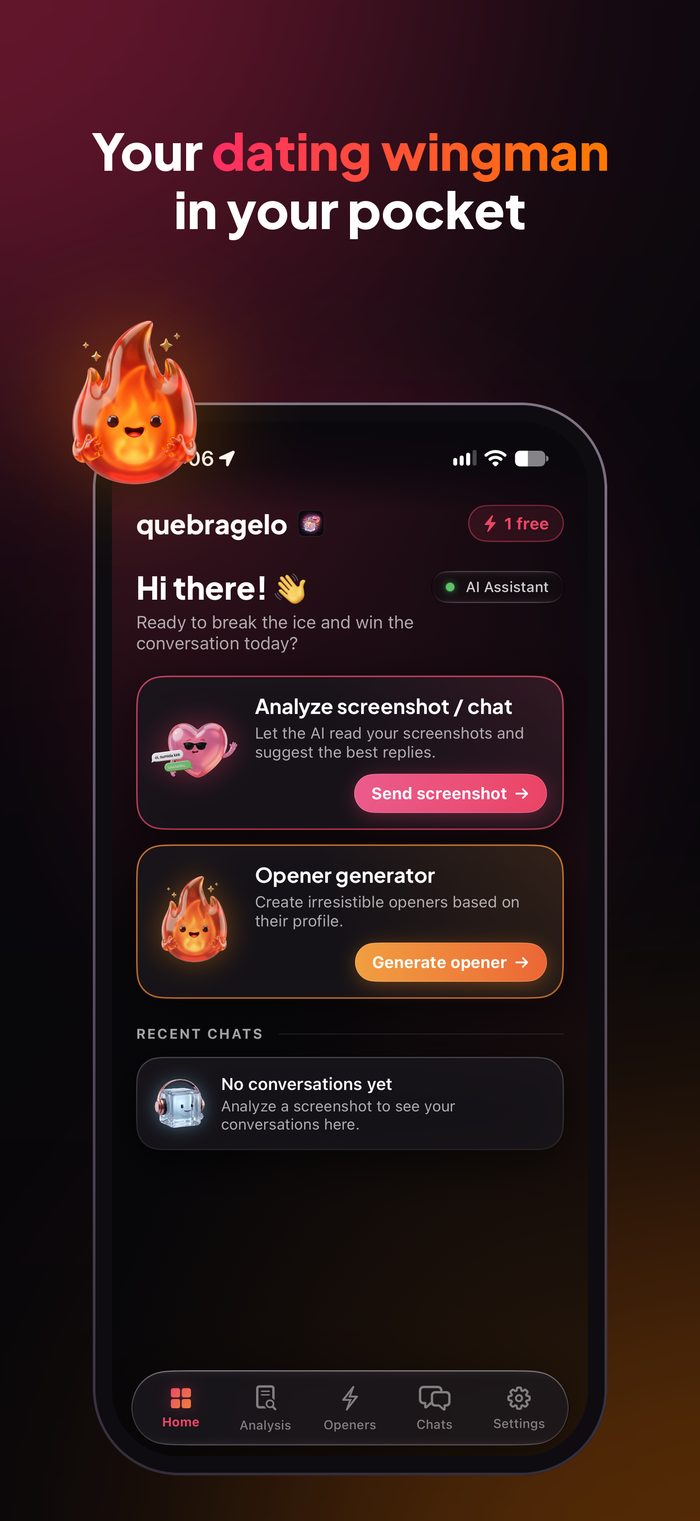
You send a message, they read it… and nothing. LetsWoo helps right when the conversation stalls.
A "haha" or a "cool" and the chat dies. The AI shows you how to spark interest again without looking desperate.
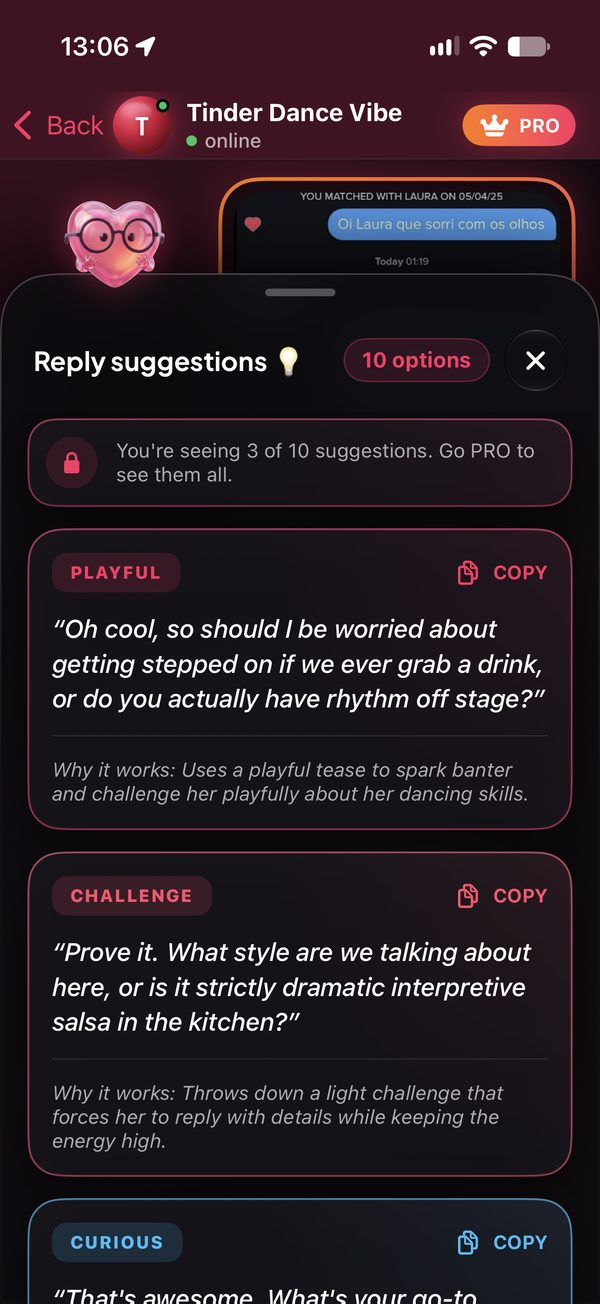
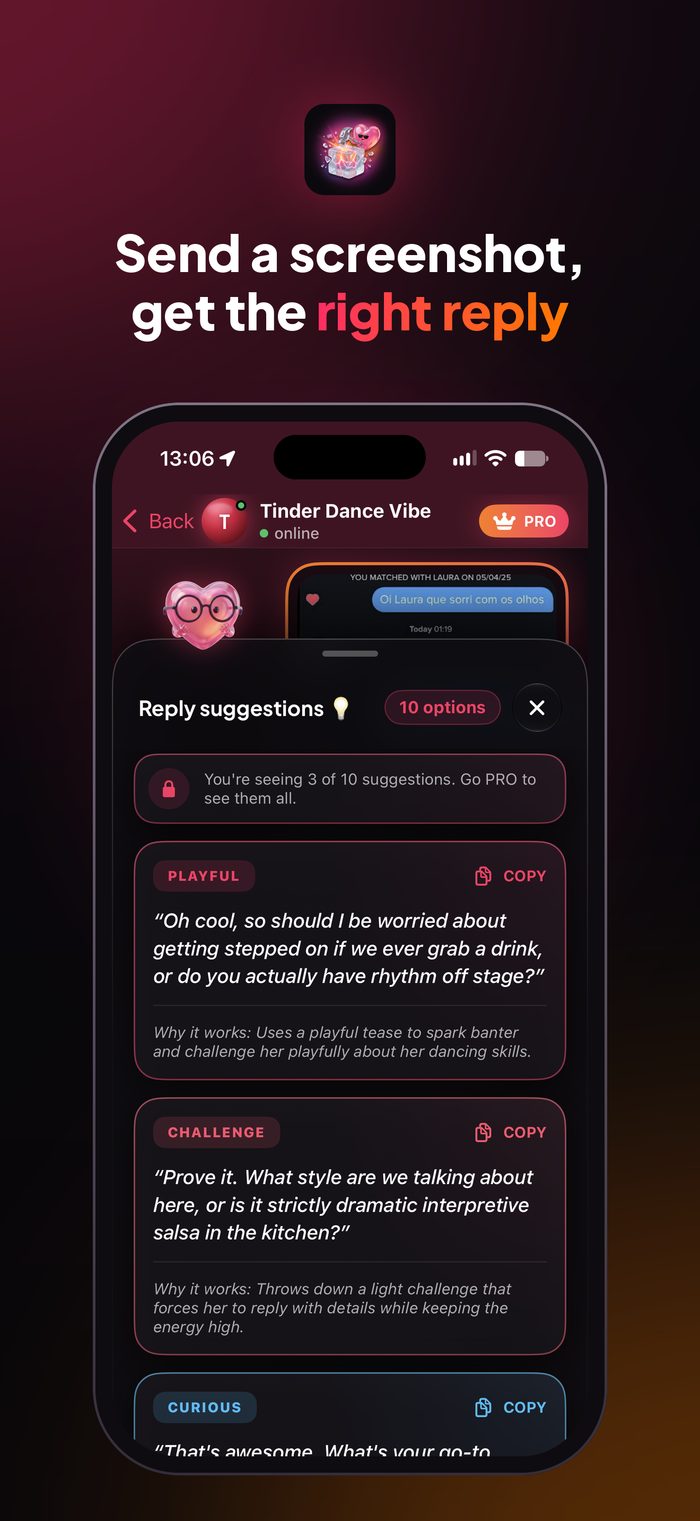
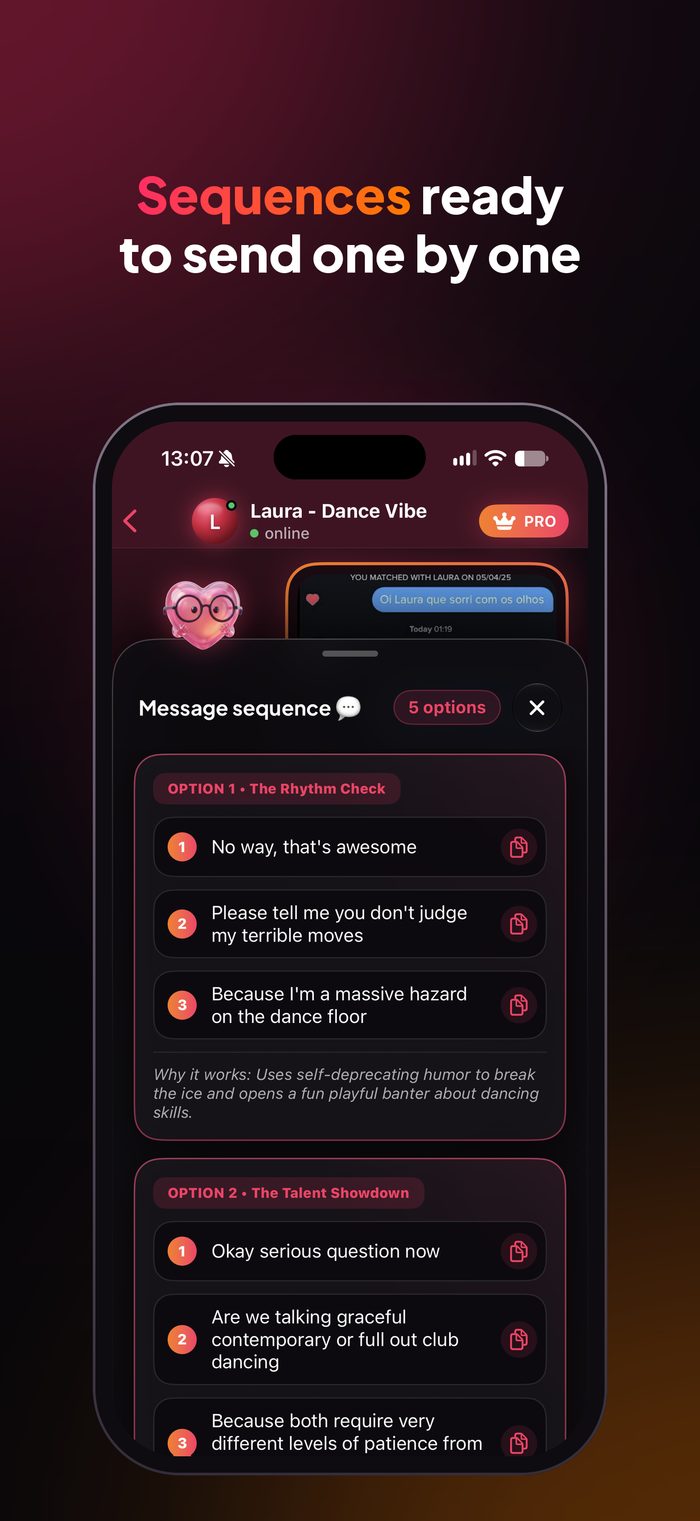
You read it, thought about it, typed, deleted and typed again. Send the screenshot and pick a reply ready to copy.
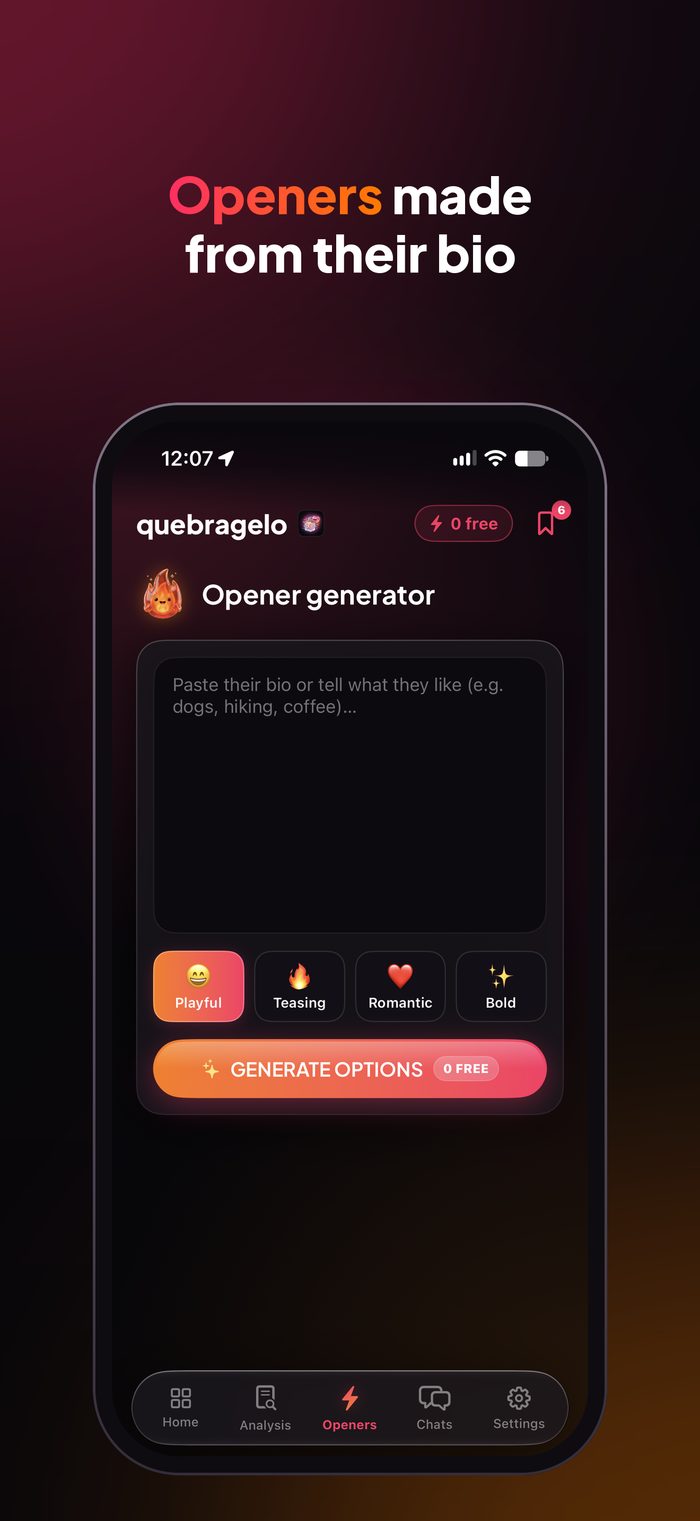
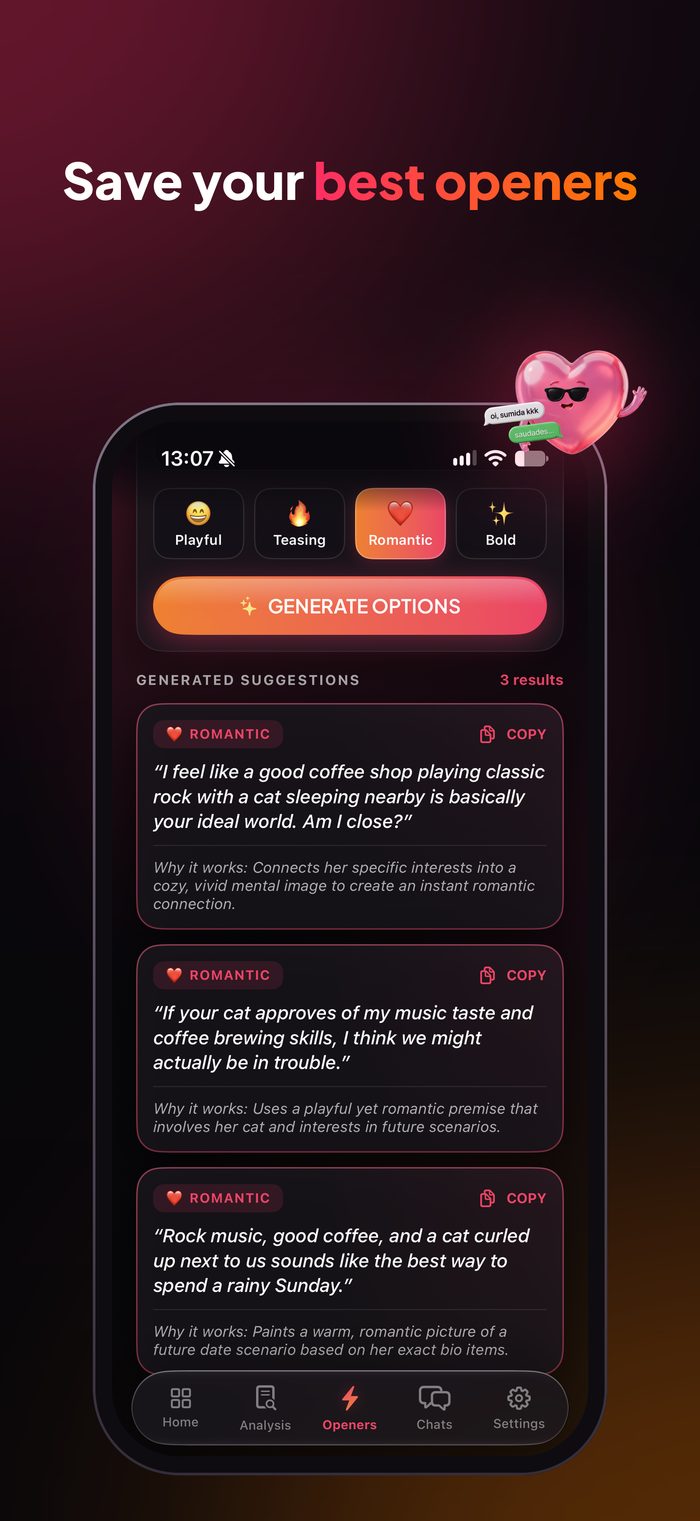
Paste their bio or send a screenshot of the profile and get openers made for that person, not generic lines.
Send a screenshot of the story and get a reply that actually starts a conversation.
Works with WhatsApp, Instagram, Tinder, Bumble, Hinge and any messaging app.

Of the chat, the profile or the story, straight from your iPhone's photos.

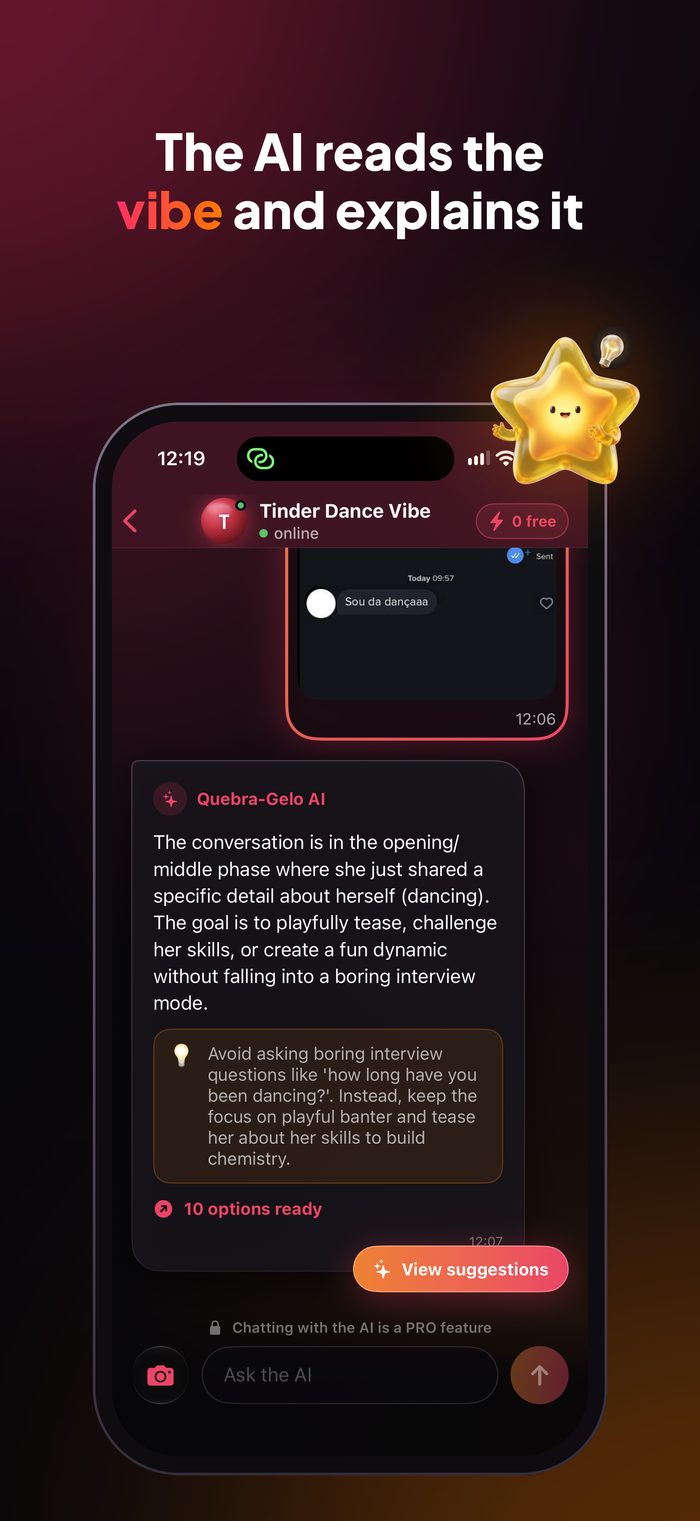
It reads who said what, the tone of the chat and how interested the other person is.

Copy the reply in the tone that fits you and send it with confidence.
Four analysis modes, several reply tones and an AI you can chat with.
Analyze a chat screenshot, build a sequence of messages to send one by one, write openers from a match's bio or reply to a story.
Screenshot analysisReplies for the chat Message sequenceMessages to send one by oneMatch modeOpeners from the bioStory modeThe reply to the story
Playful to lighten things up, provocative to build tension, challenge to turn the tables. Tap a tone and watch the reply change.
Beyond the replies, you understand what's going on: how interested the other person is, what to avoid and what to do next.
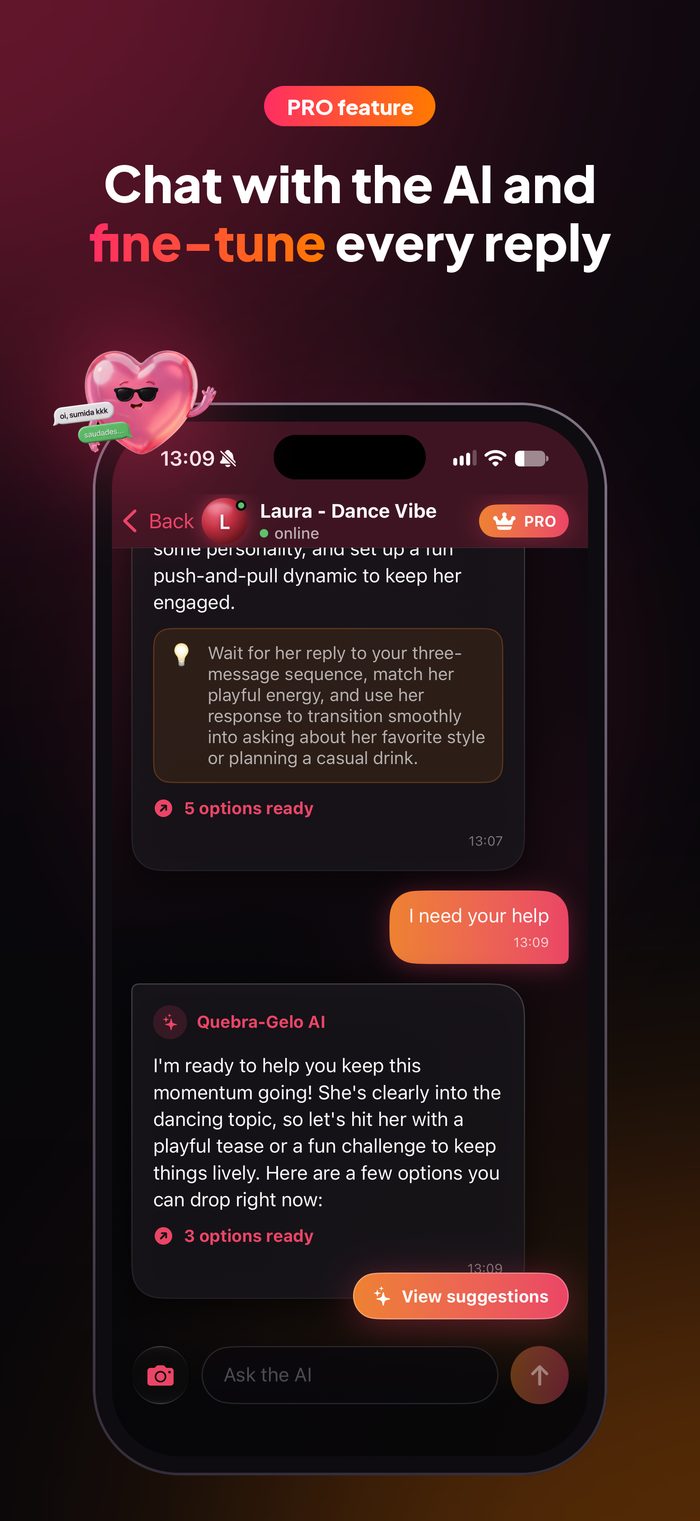
Want it bolder, shorter or more romantic? Just ask the AI, like in a chat, until the reply sounds like you.

 LetsWoo suggests
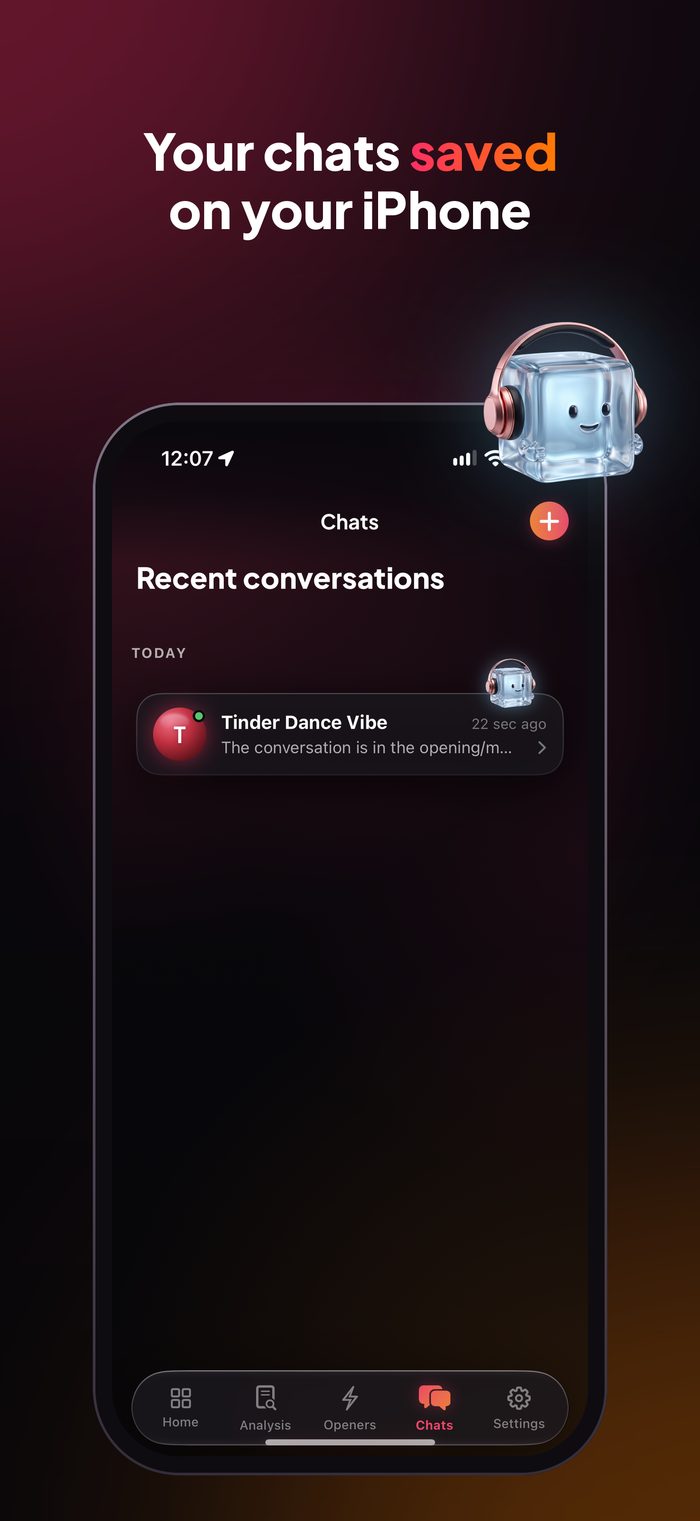
Every analysis becomes a chat you can pick up later. It's kept on your iPhone, not on our server.
Your Tinder matchBet accepted. If I win…Beach storyThis sunset is almost as good…WhatsApp chatHow about Friday? 🍷Use it every day for free. Subscribe to PRO when you want more analyses and every suggestion.
The subscription is billed by Apple and renews automatically until you cancel in your Apple Account settings at least 24 hours before the end of the period. The price is shown in the app, in your local currency, before you subscribe.
You don't create an account or give us an email. Screenshots go to the AI only to generate the suggestions and aren't stored on our server. Your history stays on your device.
You send a screenshot of the chat, the profile or the story. The AI reads the context and the vibe and suggests replies in different tones, with an explanation of the strategy. You pick one, copy it and send it.
Yes. Every day you get 3 free analyses, which renew at midnight and don't add up. Each free analysis shows 3 suggestions. PRO unlocks way more analyses, every suggestion and the chat with the AI.
Any messaging app: WhatsApp, Instagram, Tinder, Bumble, Hinge and more. The AI recognizes the app from the screenshot itself.
No. Just open the app and use it. If you subscribe to PRO, the subscription is tied to your Apple ID and can be restored on another iPhone.
Not on our server. The screenshot is sent to the AI only to generate the suggestions. Your chat history stays on your iPhone, and you can erase it anytime in the app's Settings.
In your iPhone's Settings, tap your name, then Subscriptions and LetsWoo. Billing is handled by Apple, and the cancellation takes effect at the end of the current period.
Tips to start a conversation, reply and get to the date (in Portuguese).
LetsWoo for iPhone. 3 free analyses a day.